
Website-to-Discord Live Chat Bot
Built Through 4 Requests
A website chat widget that opens private Discord channels, lets staff reply from Discord, captures offline leads, restores conversations, exports history, and supports Free and Premium plan limits.
Request 1: Turn website messages into Discord channels
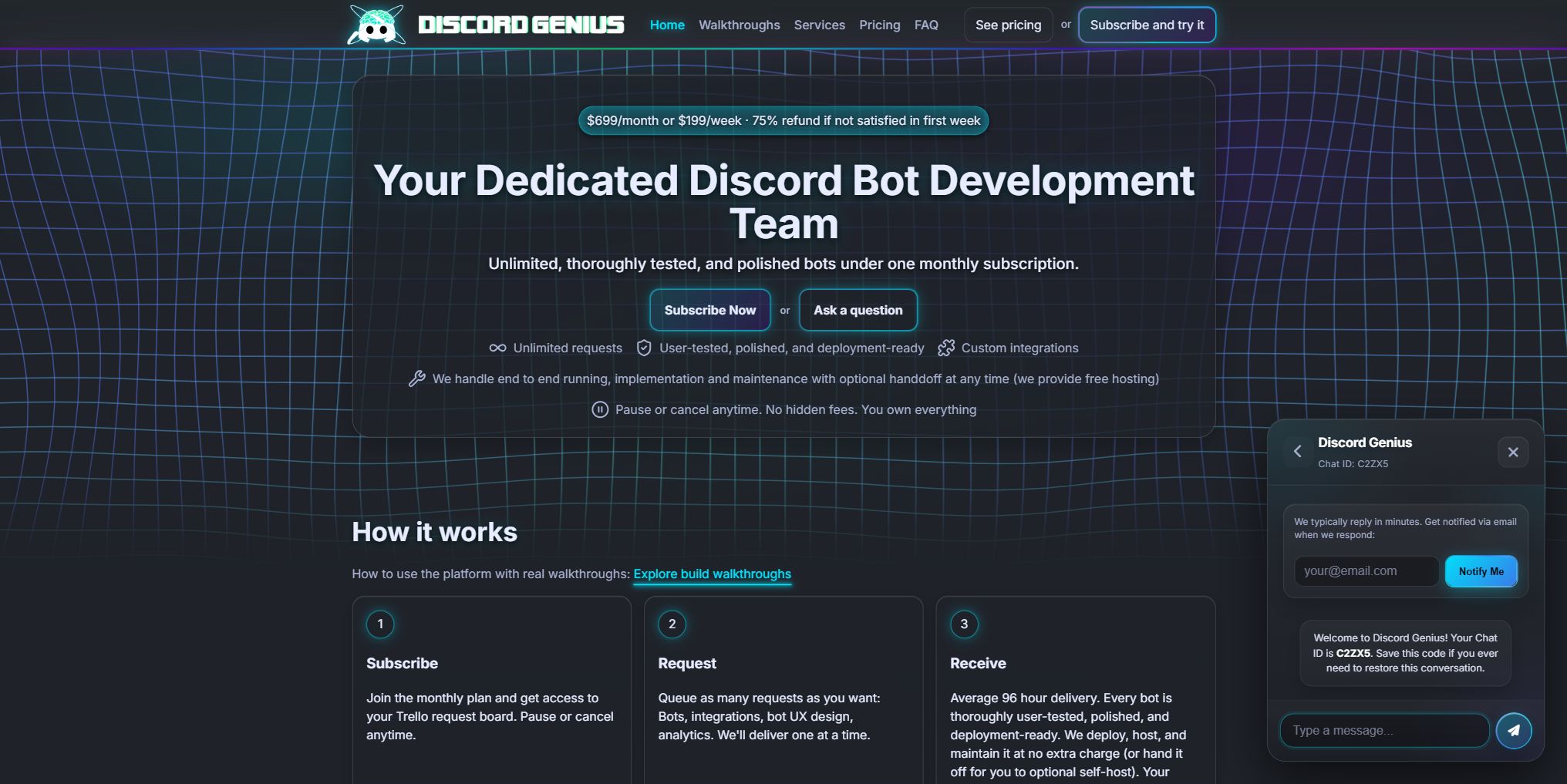
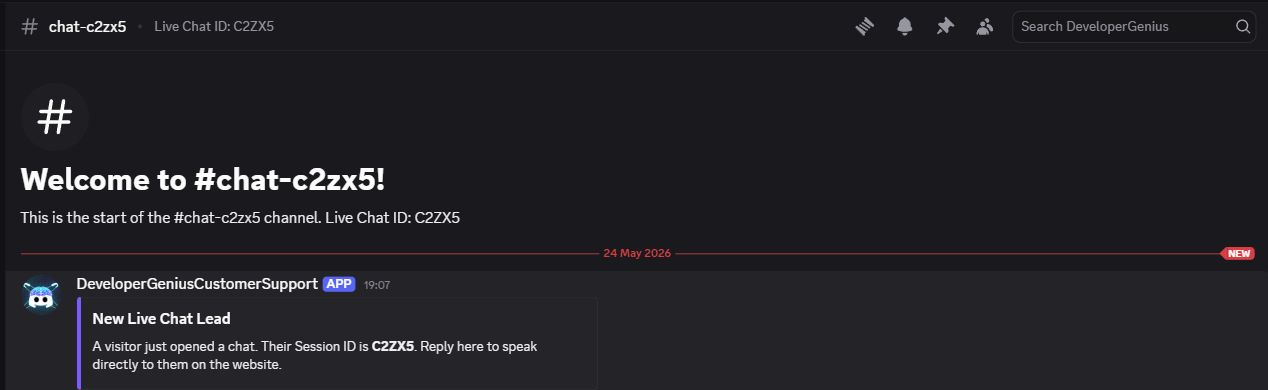
The first request was intentionally simple: add a chat bubble to the website, create a private Discord channel for every visitor, and let the team reply from Discord instead of a separate helpdesk inbox.
Client request
/setup
Creates the live chat tenant, connects it to a Discord category, and returns the install snippet.
One script tag
The website only needs a small widget script. No custom backend or separate support inbox is required.
Private chat channels
Every visitor gets a five-character chat ID and a matching private Discord channel.
Request 2: Lock it to our domains and match our brand
Once the basic relay worked, the client wanted production safeguards: only approved domains should load the widget, and staff should be able to change the widget color and welcome message from Discord.
Delivered commands
Domain whitelist
The server validates the page origin before accepting a widget connection for that tenant.
Tenant branding
Color and welcome copy are stored per server, then fetched by the widget when it loads.
Dashboard visibility
The dashboard exposes allowed origins and install state so admins can check production readiness.
Request 3: Capture leads when the team is offline
The third request was a UX decision: do not block the first message with a required email field, but still give visitors a way to get notified if staff reply later.
Notify Me prompt
The email prompt appears after the visitor starts a chat, keeping the first interaction frictionless.
Offline reply routing
If staff respond after the visitor leaves, the reply can be emailed to the visitor automatically.
Premium reply-to flow
Premium email replies can route back into the original Discord channel, preserving one conversation thread.
Request 4: Restore chats, export history, and add plans
The final launch-readiness request added restore codes, history export, Discord export commands, Stripe billing flows, and clear Free/Premium plan limits.
Operations features
The public product page now lives at livechat.discordgenius.com, with Free and Premium plans plus a live demo path.
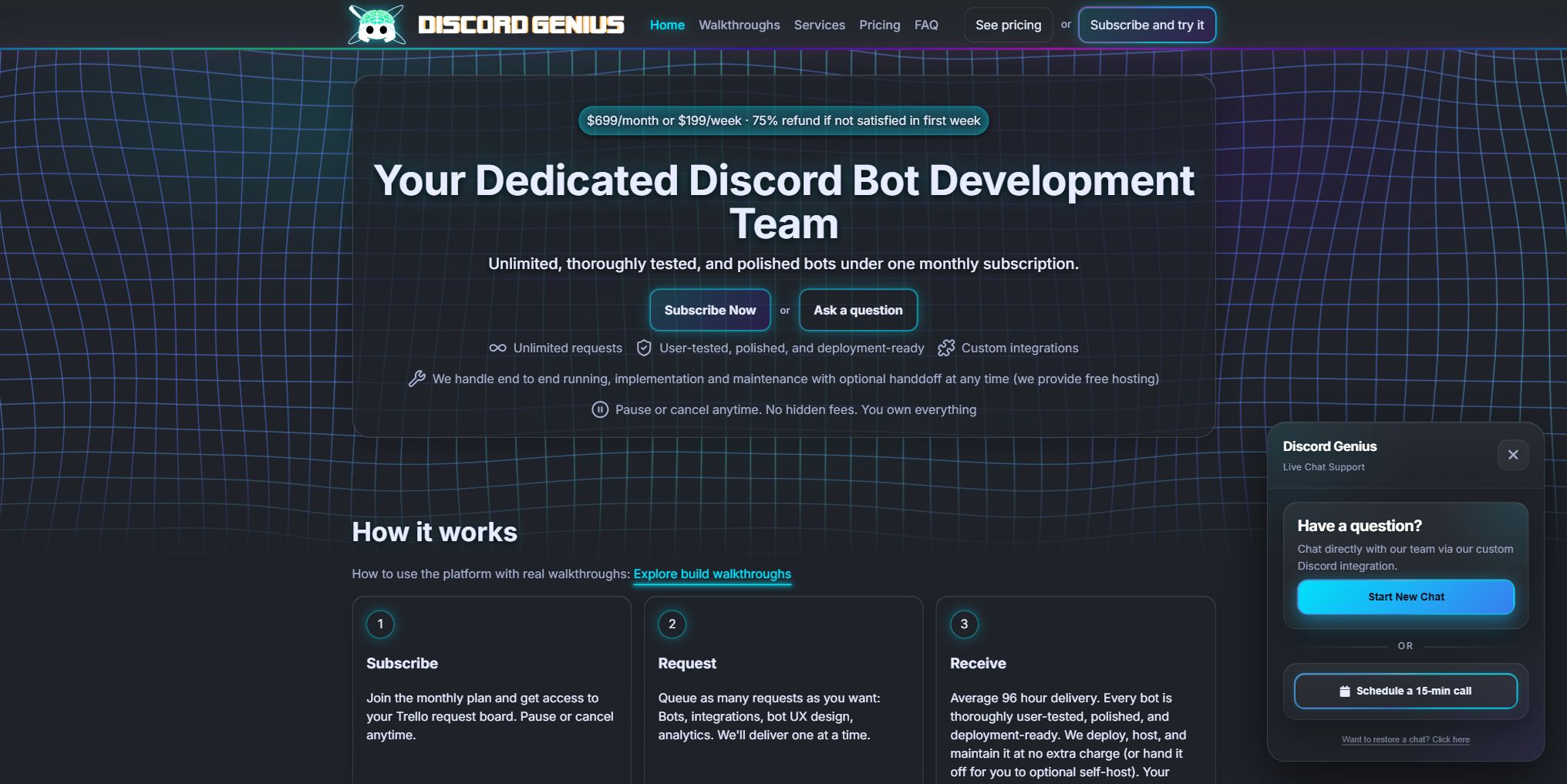
A real UX question came through live chat
The client used the card chat to ask whether email should be required before the first message or offered after the conversation starts.
Chat decision
When chat was not enough, they requested a call
For the final email-capture nuance, the client requested a short call to decide whether pricing-page visitors should see different copy than lower-intent visitors.
15-minute call request
The agenda asked whether email capture should change based on the page the visitor is on.
Decision recorded
Keep email optional everywhere for v1. Add page-aware copy later only if traffic proves the complexity is worth it.
Back into the thread
The call outcome becomes part of the same request record instead of disappearing into meeting notes.
What the final system includes
Website chat widget
Embeds on any approved website and starts visitor conversations without a separate helpdesk backend.
Real-time staff replies
Staff can answer from Discord and visitors see those replies in the website widget.
Private Discord channels
Each chat maps to a private channel so staff can reply using the Discord workflow they already use.
One-line install snippet
Admins can paste one script tag into an approved site to launch the widget.
Domain locking
Tenant origins protect the install snippet from being copied onto unapproved sites.
Widget customization
Discord commands update the widget color and welcome message for each server.
Offline email fallback
Visitors can opt into email notifications after a chat starts, and staff replies can reach them later.
Restore codes
Five-character chat IDs let visitors return to a conversation without creating an account.
Plans and billing
Free and Premium tiers support a self-serve launch path with Stripe checkout and billing management.
Premium history export
Premium teams can export chat history for audits, support review, and handoff.
Admin-only setup controls
Setup, allowed origins, customization, and history exports stay behind Discord admin permissions.
Key takeaway: one request became a full support product
- The client did not need to predict every requirement upfront. They started with a simple chat relay, then added safety, branding, email capture, restore, exports, and pricing as the product matured.
- Discord stayed the team inbox. Staff reply from Discord while visitors stay on the website, keeping both sides in their natural workflow.
- Each iteration fit the same subscription model. Product decisions, UX questions, call requests, and implementation all stayed on the same DiscordGenius board.
- The final product is live. Visitors can test the public live chat product today at livechat.discordgenius.com.
More walkthroughs
A fully automated video submission and voting system for growing communities.
Simple Community World Map BotInteractive web map powered by a Discord bot where members pin their locations.
Moderate Texas Hold'em Poker BotMultiplayer, full-economy Poker bot built strictly on Discord interactions.
Moderate